
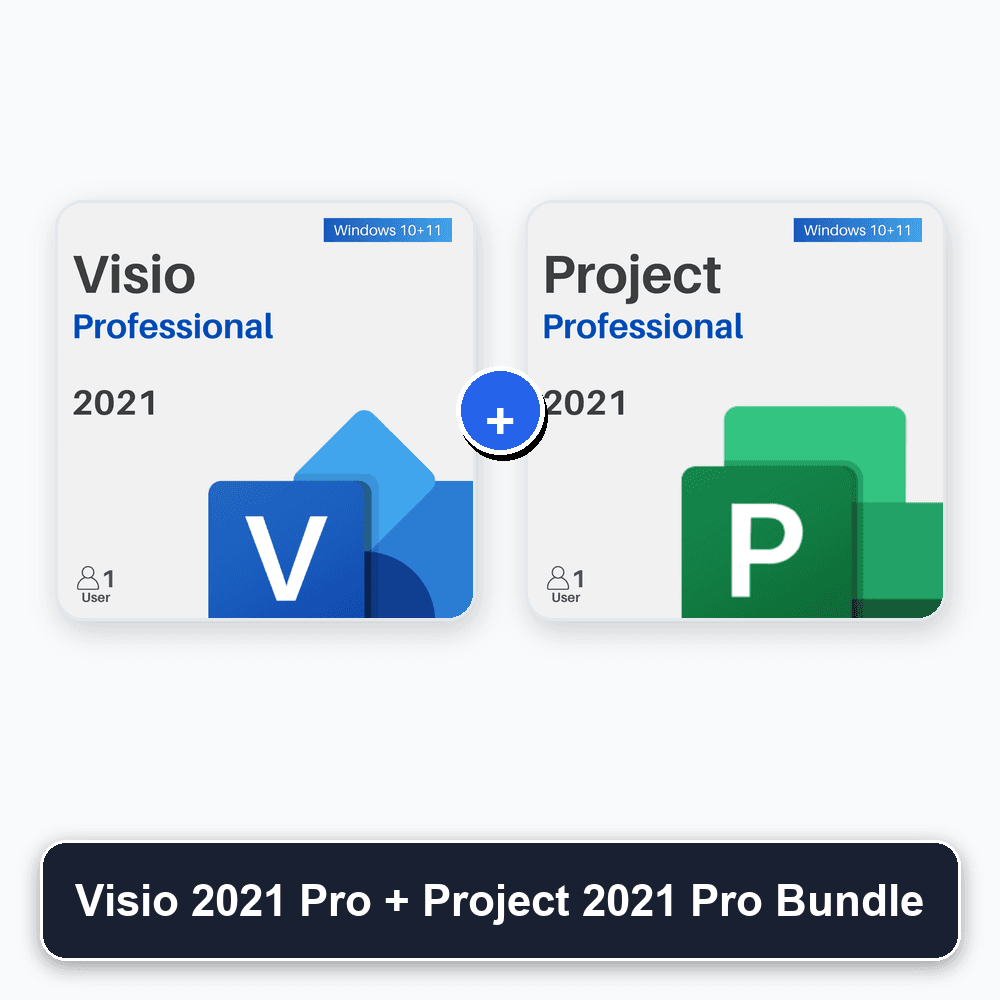
Microsoft Visio 2021 Professional + Project 2021 Professional Bundle
One-time purchase for the edition and device count shown below. Follow the installation instructions supplied for this license.
The definitive project engineering package: advanced Gantt project management paired with vector diagramming.
If activation fails, contact us with your order number and error message. Read our refund and replacement policy.


Microsoft Visio 2021 Professional + Project 2021 Professional Bundle — Digital License
The Microsoft Visio 2021 Professional + Project 2021 Professional Combo Pack brings together Microsoft's two premier enterprise productivity applications for diagramming and project management. Equipping system architects, project managers, and business analysts with BPMN 2.0 flowcharts, network schematics, interactive Gantt charts, and resource leveling tools, this bundle provides lifetime activation for 1 PC with zero monthly fees.
Product Facts & License Summary
Why Choose the Visio 2021 + Project 2021 Bundle?
Managing complex enterprise initiatives requires two specialized capabilities: visual architectural modeling (Visio) and rigorous schedule/budget tracking (Project). Purchasing both standalone tools together in this combo pack delivers substantial savings compared to buying individual licenses.
Visio Professional 2021 allows modeling business workflows (BPMN 2.0), IT network infrastructure, UML 2.5 software architecture, and live data-linked charts. Project Professional 2021 provides automated scheduling engines, critical path analysis, resource capacity planning, and comprehensive Gantt chart views.
Both applications are one-time perpetual retail licenses that install locally on your PC without monthly cloud subscriptions.
Included Applications (2 Product Keys)
Microsoft Visio Professional 2021
DiagrammingVector diagramming, network stencils, UML modeling, and live Excel data linking.
Microsoft Project Professional 2021
Project ManagementInteractive Gantt charts, resource leveling, cost budgeting, and critical path analysis.
Licensing Terms
License Type: Perpetual 2-in-1 Bundle (Lifetime)
Delivers 2 digital retail keys (Visio Pro 2021 and Project Pro 2021) for 1 PC.
- Two Independent Product Keys: 1x Visio 2021 Pro + 1x Project 2021 Pro.
- Perpetual Ownership: No monthly or yearly subscription fees.
Compatibility & Requirements
32-bit and 64-bit architectures supported.
System Specifications
| Hardware Component | Minimum Requirement | Recommended Specification |
|---|---|---|
| Processor | 1.6 GHz or faster 2-core processor | — |
| Memory (RAM) | 4 GB RAM (64-bit) or 2 GB RAM (32-bit) | — |
| Storage Space | 8.0 GB available hard disk space | — |
What You Receive
Installation Workflow
Download Setup
Download the official Visio and Project installation packages.
Run Setup
Deploy both applications to your Windows workstation.
Activate Keys
Enter product keys in each application's Account settings.
Activation Instructions
Activate Visio
Open Visio > File > Account > Change Product Key and enter your Visio key.
Activate Project
Open Project > File > Account > Change Product Key and enter your Project key.
Frequently Asked Questions
QCan Visio and Project be installed alongside Office 2021 or 2024?
Yes, both applications install cleanly alongside existing Click-to-Run Office installations on Windows 10 and 11.
Compare Related Product Editions
View all Office suitesMicrosoft Visio Professional 2021 (1 PC / Lifetime)
Standalone Visio 2021 without Project.
Recommended Guides & Tutorials
How to Install Microsoft Visio 2021 & Project 2021 on the Same PC
Guide to resolving Click-to-Run installation conflicts.