
Microsoft Office5 min read•2026-09-28
Microsoft Office 2024 vs Office 2021 Professional Plus: Complete Comparison & Buying Guide

Sarah Jenkins
Enterprise Software Consultant • Verified Author
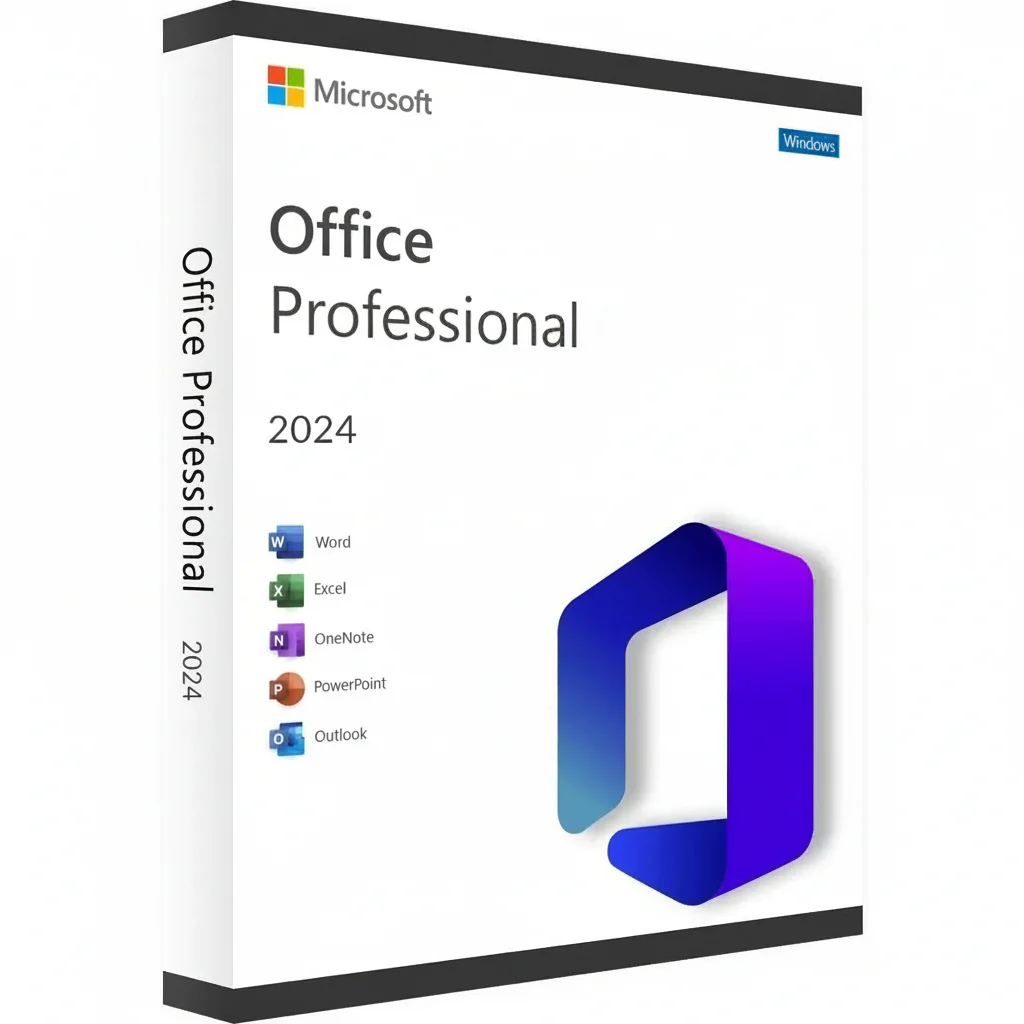
Stand-Alone Office Showdown: Office 2024 vs Office 2021
For individuals and corporate enterprises unwilling to pay recurring monthly Microsoft 365 cloud subscriptions, Microsoft's perpetual licenses represent the gold standard of productivity. With the arrival of Office 2024, many users wonder whether upgrading from Office 2021 is worth the investment.
Key Feature & Performance Differences
| Feature | Office 2021 Pro Plus | Office 2024 Pro Plus |
|---|---|---|
| Excel Functions | XLOOKUP, LET, Dynamic Arrays | New IMAGE function, TEXTSPLIT, dynamic chart series |
| Visual Interface | Windows 10/11 Hybrid Ribbon | Fluent Design with enhanced Dark Mode across all apps |
| Outlook Desktop | Classic Search & Calendar | Enhanced fast search, meeting organizer tools |
| Included Database Apps | Word, Excel, PowerPoint, Outlook, Access, Publisher | Word, Excel, PowerPoint, Outlook, OneNote, Access |
| License Duration | Lifetime Perpetual (Pay Once) | Lifetime Perpetual (Pay Once) |
Which Edition Should You Buy?
- Choose Office 2024: If you build complex financial spreadsheets, want the latest Excel text functions, or work on high-DPI multi-monitor setups with seamless dark mode. Get the genuine Office 2024 Professional Plus Key.
- Choose Office 2021: If you want unbeatable value and complete offline productivity with full Microsoft Publisher integration. Get the Office 2021 Professional Plus Key.
- Budget Legacy Alternative: If you are working on an older computer running Windows 7, 8.1, or 10, check our Office 2016 Professional Plus Lifetime License.
Compare all available editions directly in our Office Productivity Collection.
About the Author: Sarah Jenkins
Certified Microsoft Systems Specialist at MyTechSoftware with over 8 years of experience in enterprise Windows deployment, licensing architectures, and system security.